

Looking for a reliable video size reducer online? Compressing video files has become essential for content creators, marketers, and everyday users who need to share videos quickly without sacrificing too much quality. Whether you’re uploading to social media, sending files via email, or freeing up storage space, the right online compression tool can save you time and bandwidth.
In this comprehensive guide, we’ll explore the top 5 free video size reducer online platforms that deliver excellent results without requiring software downloads or technical expertise. Each tool has been tested and evaluated based on compression quality, ease of use, supported formats, and additional features to help you make an informed decision.
Why Use a Video Size Reducer Online?
Online video compressors offer several advantages over desktop software. They work directly in your browser, eliminating the need for installations or updates. Most platforms support multiple video formats including MP4, AVI, MOV, and MKV, making them versatile solutions for various needs.
Compressed videos load faster on websites, consume less mobile data, and are easier to share through messaging apps and email. Professional content creators use these tools to optimize videos for different platforms while maintaining acceptable quality levels. Students and educators benefit from smaller file sizes when submitting or sharing educational content.
1. FreeConvert Video Compressor
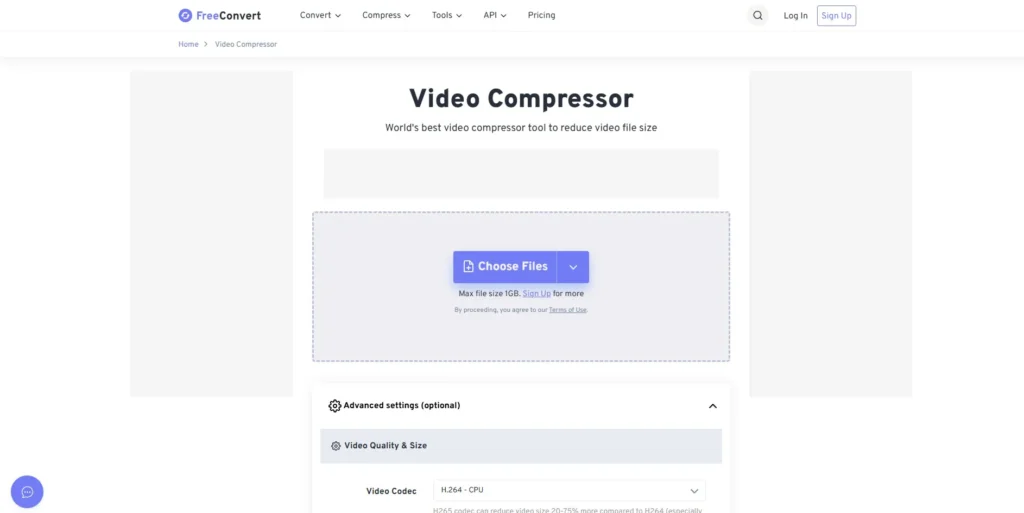
FreeConvert stands out as one of the most powerful video size reducer online tools available. The platform supports over 300 video formats and allows files up to 1GB for free users. The interface is clean and intuitive, making it accessible even for beginners.
The compression process offers customizable settings where you can adjust video resolution, bitrate, and quality levels. You can choose preset options for specific platforms like YouTube, Instagram, or Facebook, which automatically optimize your video for those destinations. The tool also provides a preview feature so you can check the compressed output before downloading.
FreeConvert uses secure encryption and automatically deletes uploaded files after processing, ensuring your privacy. The platform processes videos quickly, though extremely large files may take several minutes depending on your internet connection. Advanced users appreciate the batch processing capability and the option to convert videos to different formats simultaneously.
2. Compress2Go Video Compressor
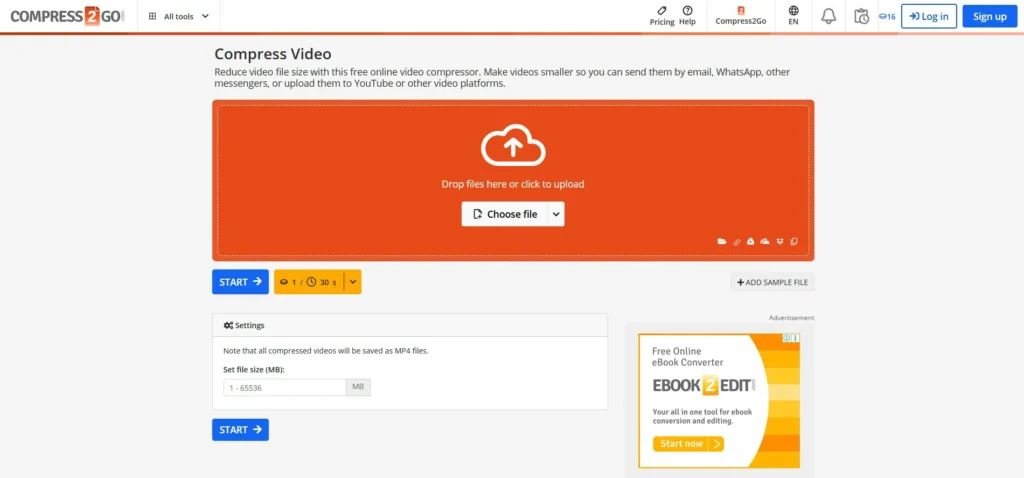
Compress2Go delivers a straightforward approach to video compression with no registration required. This video size reducer online tool focuses on simplicity while providing effective compression results. The platform supports common video formats and allows users to compress files up to 100MB without creating an account.
The compression algorithm balances file size reduction with quality retention effectively. Users can select from preset compression levels or manually adjust parameters like resolution and bitrate. The tool displays estimated file size reduction percentages before processing, helping you decide if further adjustments are needed.
One notable feature is the ability to compress multiple videos sequentially without refreshing the page. The platform also includes additional tools for converting, resizing, and editing videos, making it a versatile option for basic video manipulation tasks. Processing speeds are competitive, and the interface remains responsive even with larger files.
3. Clideo Video Compressor
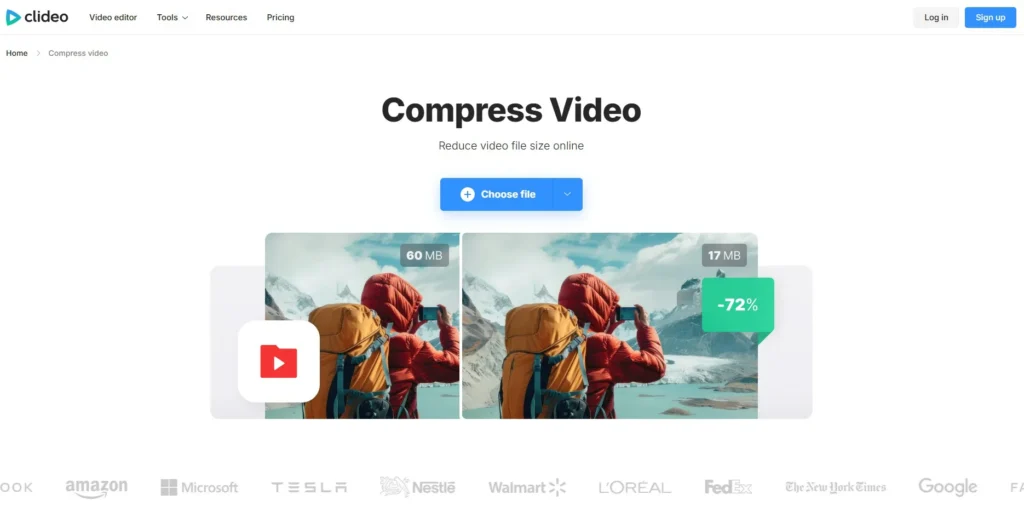
Clideo has built a reputation as a user-friendly video size reducer online that prioritizes accessibility. The platform features a drag-and-drop interface that simplifies the upload process. Supporting all major video formats, Clideo can handle files from smartphones, cameras, and screen recordings.
The compression engine automatically optimizes videos while maintaining visual quality. Users can choose compression strength levels ranging from light to heavy reduction. The platform also allows format conversion during compression, enabling you to change from MOV to MP4 while reducing file size in one operation.
Clideo provides cloud storage integration, allowing direct imports from Google Drive and Dropbox. This feature proves useful when working with videos stored remotely. The platform offers a mobile-optimized version that works smoothly on smartphones and tablets. Free users see a small watermark on compressed videos, which can be removed with a subscription.
4. InVideo Video Compressor
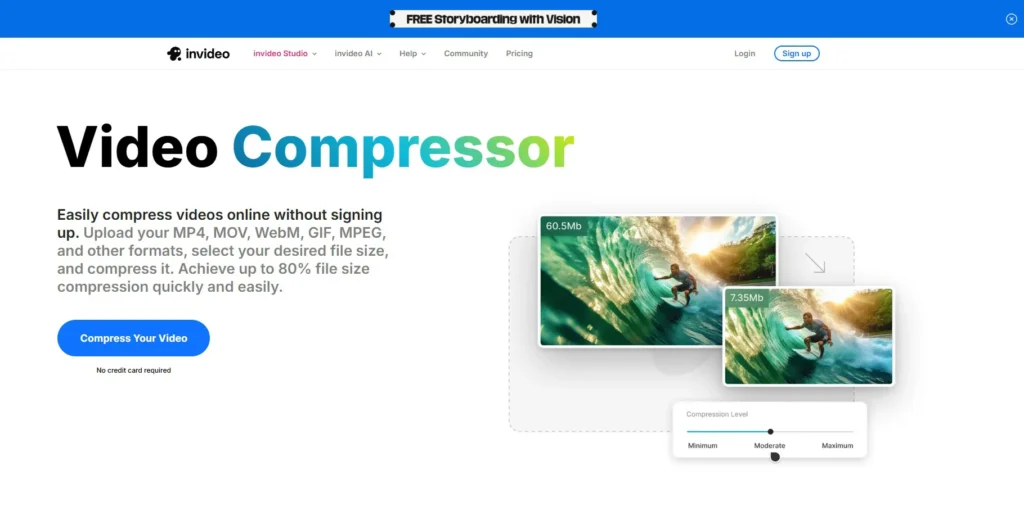
InVideo offers a robust video size reducer online as part of its broader suite of video tools. The compressor handles high-definition videos efficiently, making it suitable for content creators working with 1080p and 4K footage. The platform supports unlimited compression for free users, though file size limits apply per upload.
The tool provides preset options for different use cases including social media posts, email attachments, and web embedding. Advanced settings let you customize frame rate, codec, and audio quality independently. This granular control helps achieve optimal balance between file size and output quality.
InVideo’s compression algorithm preserves detail well, even at higher compression ratios. The platform processes videos server-side, meaning compression speed doesn’t depend entirely on your device performance. Users appreciate the clean interface and the absence of intrusive advertisements during the compression process. For those interested in exploring more multimedia tools, check out the audio conversion options available online.
5. VEED.IO Video Compressor
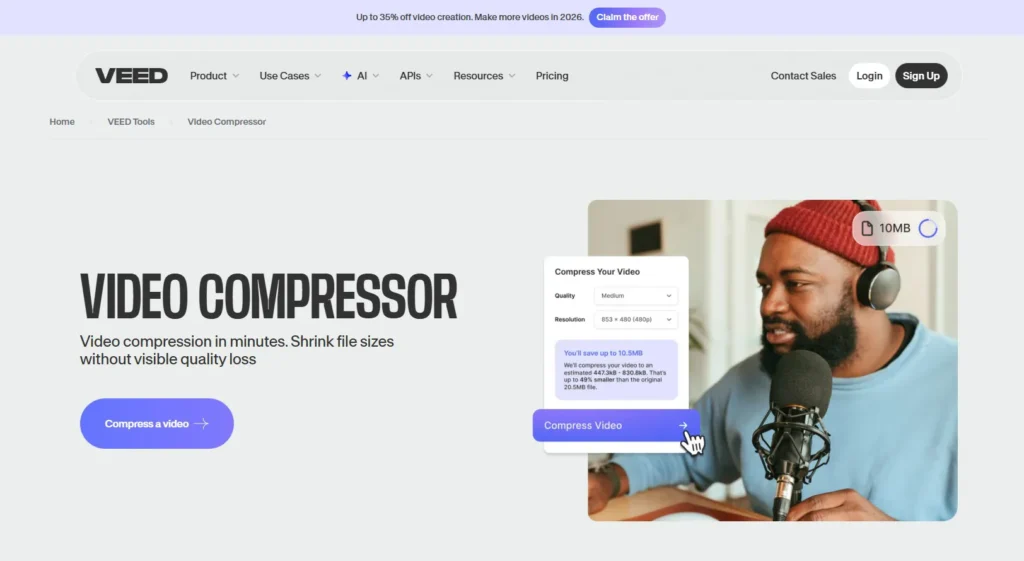
VEED.IO rounds out our list as a comprehensive video size reducer online that combines compression with editing capabilities. The platform caters to video editors and marketers who need to compress videos while making quick adjustments. The tool supports all standard video formats and provides excellent compression results.
What distinguishes VEED.IO is the integrated video editor that becomes accessible after compression. Users can trim clips, add subtitles, apply filters, and make other modifications before downloading the final file. This workflow efficiency saves time for users who need both compression and basic editing.
The compression settings offer presets optimized for various platforms and devices. You can specify target file sizes, and the tool adjusts compression parameters automatically to meet your requirements. VEED.IO maintains good video quality even with significant size reduction, using intelligent algorithms that identify and preserve important visual details.
The platform includes collaboration features, allowing team members to share and work on compressed videos together. Processing happens in the cloud with fast rendering times. Free accounts have usage limits, but the generous allowance accommodates most casual users adequately.
How to Choose the Right Video Size Reducer Online
Selecting the best video compressor depends on your specific needs and usage patterns. Consider the maximum file size you typically work with, as platforms have different limits for free users. Evaluate the supported video formats to ensure compatibility with your source files.
Compression quality matters significantly if you’re working with professional content. Test different platforms with the same video to compare output quality at similar file size reductions. Processing speed becomes important when you compress videos regularly or work with tight deadlines.
Privacy and security should influence your decision, especially when handling sensitive or confidential video content. Look for platforms that encrypt uploads and delete files after processing. Additional features like batch processing, format conversion, and editing tools add value if you need comprehensive video handling capabilities.
Best Practices for Video Compression
To achieve optimal results with any video size reducer online, start by understanding your target requirements. Determine the platform or device where the video will be viewed, as this influences ideal resolution and quality settings. Social media platforms often have specific recommendations for video specifications.
Always keep your original video files before compressing, as compression is typically irreversible. This practice allows you to create multiple versions optimized for different purposes. When adjusting compression settings, reduce resolution before lowering quality, as resolution changes often have less visual impact than quality reduction.
Test your compressed videos on the intended playback devices to verify acceptable quality. What looks good on a desktop monitor might appear different on mobile screens. Consider audio quality during compression, as some tools prioritize video over audio, potentially creating noticeable sound degradation.
For videos with significant motion or complex scenes, use less aggressive compression settings to avoid artifacts. Static or simple videos can handle higher compression ratios without quality loss. Experiment with different bitrate settings to find the sweet spot between file size and visual quality for your specific content type.
Understanding Video Compression Technology
Video compression works by removing redundant data and using algorithms to represent visual information more efficiently. Modern codecs like H.264 and H.265 analyze frames to identify similarities, encoding only the changes between frames rather than complete information for each one.
Lossy compression reduces file size by permanently removing some data, accepting minor quality degradation for significant size reduction. Lossless compression maintains perfect quality but achieves smaller size reductions. Most online video compressors use lossy methods to achieve practical file sizes for web sharing and storage.
Resolution reduction represents another compression strategy where pixel dimensions decrease, directly reducing file size. Lowering from 1080p to 720p can halve file size while maintaining reasonable quality on smaller screens. Bitrate adjustment controls how much data represents each second of video, with lower bitrates producing smaller files but potentially more visible compression artifacts.
Common Video Compression Challenges
Users often encounter quality loss when compressing videos too aggressively. Finding the balance between file size and acceptable quality requires experimentation and understanding of compression parameters. Some platforms offer preview features that help assess quality before finalizing compression.
Large video files may exceed upload limits on free platforms, requiring splitting or choosing premium services. Processing time increases with file size, and very large videos might time out on some platforms. Consider compressing in segments or using dedicated software for files exceeding several gigabytes.
Audio sync issues occasionally appear after compression, particularly with variable frame rate videos. This problem stems from how different tools handle audio encoding during compression. Choosing reputable platforms with proven compression engines minimizes these technical issues.
Format compatibility represents another challenge, as some devices or platforms have specific codec requirements. Selecting a video size reducer online that offers format conversion alongside compression solves this problem efficiently. For more helpful guides on digital media management, explore our comprehensive guides section.
Future of Online Video Compression
Emerging compression technologies promise even better efficiency with newer codecs like AV1 and VVC offering superior compression ratios compared to H.264. These technologies will gradually become standard in online video compressors, enabling higher quality at smaller file sizes.
Artificial intelligence and machine learning are being integrated into compression algorithms to intelligently preserve important visual elements while aggressively compressing less critical areas. This selective approach maintains perceived quality while achieving greater size reduction.
Cloud processing capabilities continue improving, enabling faster compression of even ultra-high-definition videos. As internet speeds increase globally, online platforms will handle larger files more efficiently, reducing the gap between online tools and desktop software capabilities.
Frequently Asked Questions
What is the best free video size reducer online?
FreeConvert and Clideo are among the best free options, offering excellent compression quality, support for multiple formats, and user-friendly interfaces. FreeConvert allows larger file uploads and provides more customization options, while Clideo excels in simplicity and cloud integration. Your choice depends on whether you prioritize advanced features or ease of use.
How much can I reduce video size without losing quality?
You can typically reduce video size by 50-70% without noticeable quality loss using modern compression algorithms. The exact reduction depends on the original video’s bitrate, resolution, and content complexity. Videos with minimal motion can be compressed more aggressively than action-packed footage while maintaining visual quality.
Are online video compressors safe to use?
Reputable online video compressors like those listed in this article implement security measures including encrypted uploads and automatic file deletion after processing. However, avoid uploading sensitive or confidential videos to any online platform. For highly sensitive content, consider using offline compression software instead.
Can I compress videos on my phone?
Yes, all the video size reducer online tools mentioned work on mobile browsers. Clideo and VEED.IO offer particularly mobile-friendly interfaces that adapt well to smartphone screens. However, uploading large videos on mobile networks may take considerable time, and compression processing might be slower on mobile devices.
What video format compresses best?
MP4 with H.264 or H.265 codec provides the best balance of compression efficiency and compatibility. H.265 achieves approximately 50% better compression than H.264 but may not be supported by older devices. MP4 format is universally compatible across platforms, devices, and browsers, making it the recommended choice for most users.
Will compressing a video reduce its resolution?
Not necessarily. Compression can reduce file size by lowering bitrate while maintaining the same resolution. However, reducing resolution is an effective way to decrease file size significantly. Most online compressors let you choose whether to maintain original resolution or reduce it as part of the compression process.
How long does online video compression take?
Processing time varies based on file size, compression settings, and server load. A 100MB video typically processes in 1-3 minutes, while larger files may take 10-15 minutes or more. Upload and download speeds also affect total time. Some platforms provide estimated completion times after you upload your video.
Can I compress multiple videos at once?
Some platforms like FreeConvert and Compress2Go support batch processing, allowing you to compress multiple videos sequentially. However, most free versions limit simultaneous processing to prevent server overload. Premium subscriptions typically offer true parallel batch processing for handling multiple files efficiently.